
How to Import LM Studio Models into Ollama (No Re-Download!) 🚀
Downloaded a bunch of models in LM Studio? 📦
Now you want to try Ollama… and it wants you to download them all over again? 😩
Nope! In this guide, you’ll learn how to import LM Studio models into Ollama using the .gguf files already on your computer. It takes about 5 minutes. ⏱️
🖥️ Example: Qwen3 8B on Windows. Works with any GGUF model.
⚡ Quick Answer
Create a one-line Modelfile that points to your LM Studio .gguf file:
FROM C:/path/to/your-model.gguf
Then import and run it:
ollama create qwen3 -f .\Modelfile.txt
ollama run qwen3
Want the easy step-by-step version? Let’s go! 👇
Step 1: Find Your GGUF Model Path in LM Studio 📋
In LM Studio, go to My Models → click ⋯ next to your model → Copy absolute path.
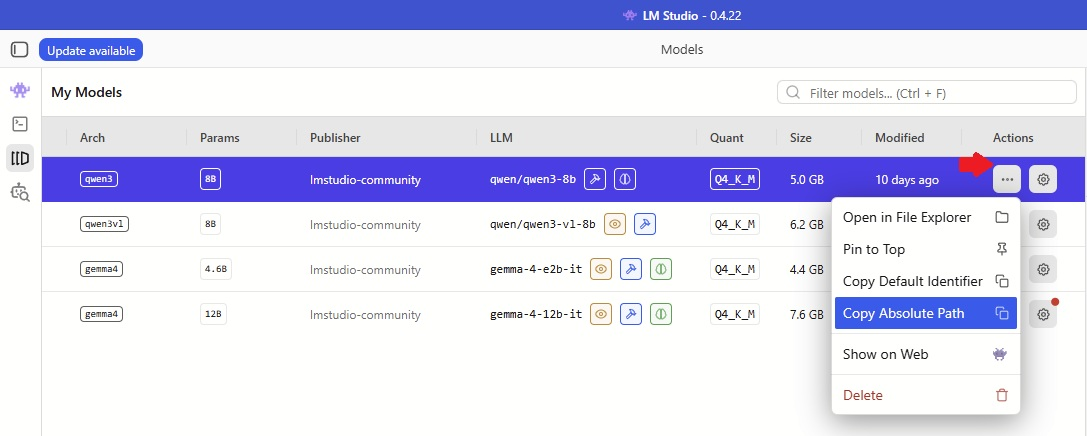
It looks something like this:
C:/Users/YOU/.cache/lm-studio/models/lmstudio-community/Qwen3-8B-GGUF/Qwen3-8B-Q4_K_M.gguf
Step 2: Create an Ollama Modelfile 📝
- Create a folder, like
C:\ollama-models - Inside it, create a file called
Modelfile.txt - Type
FROM, a space, then paste your path:
FROM C:/Users/YOU/.cache/lm-studio/models/lmstudio-community/Qwen3-8B-GGUF/Qwen3-8B-Q4_K_M.gguf
Save it. That’s the whole file. Really! 😄

Step 3: Install Ollama on Windows ⬇️
Grab it from the official Ollama download page and install.
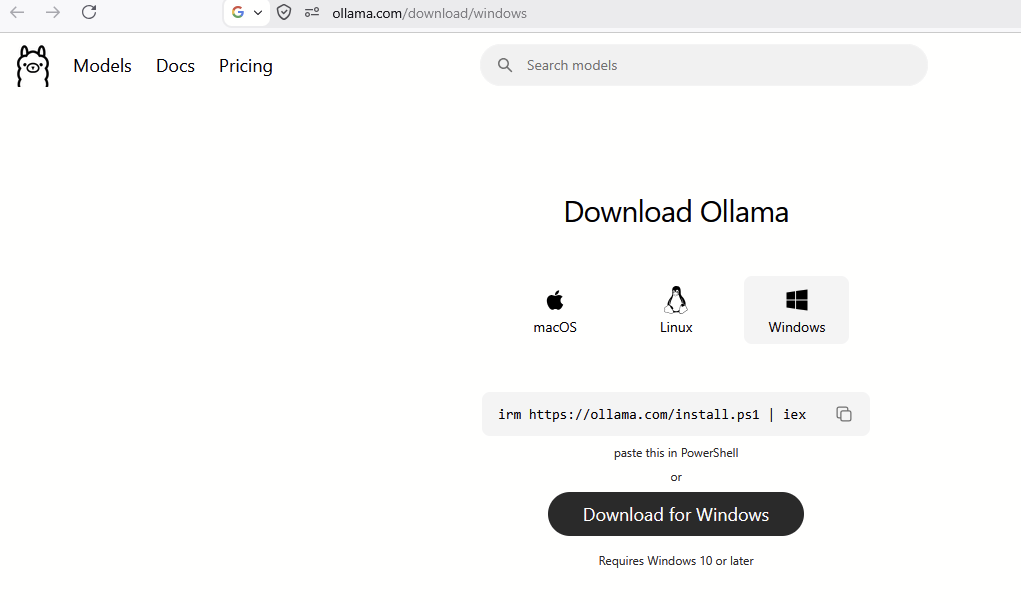
Then open PowerShell and type:
ollama list

Empty? Perfect. Let’s fill it up. 👇
Step 4: Import the Model into Ollama ✨
cd C:\ollama-models
ollama create qwen3 -f .\Modelfile.txt
💡 qwen3 is just a nickname. Call it anything you like!

See success? You did it! 🎉
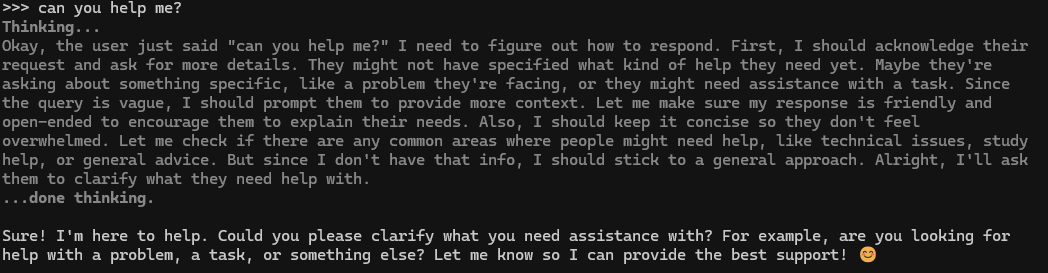
Step 5: Run Your Model in Ollama 👋
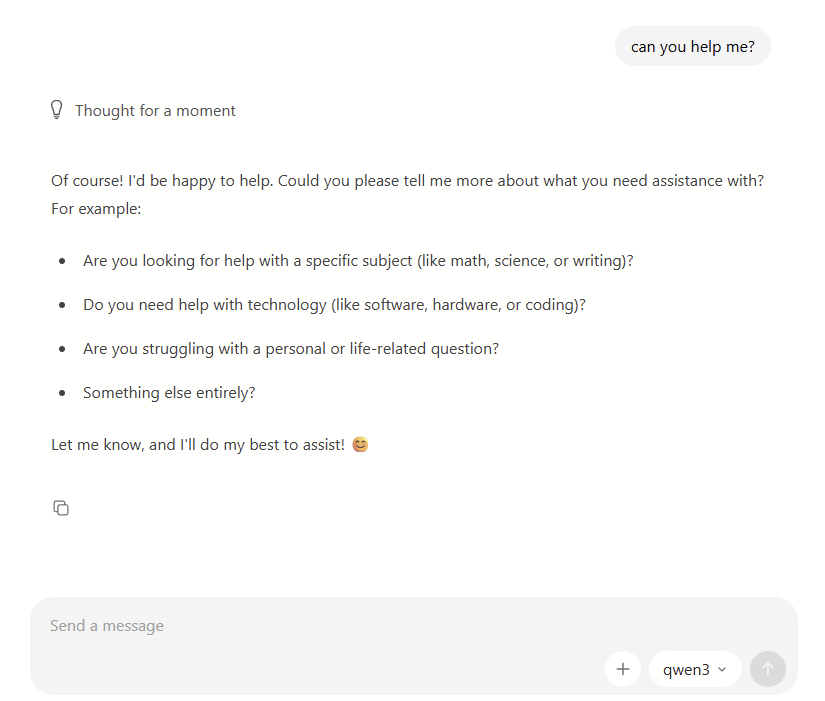
ollama run qwen3

Type a message, hit Enter, and chat away. 💬
Not a terminal fan? Open the Ollama app and pick qwen3 from the list. 🖱️

How to Remove an Imported Model from Ollama 🗑️
ollama stop qwen3
ollama rm qwen3
Relax, your LM Studio copy stays safe. 😌
Troubleshooting 🤔
- File not found? Make sure your path ends with
.ggufand you rancdto the right folder first. ollamanot recognized? Close PowerShell and open it again.
FAQ ❓
Does importing save disk space? No. Ollama makes its own copy of the model. You save download time, not space.
Does this work with any LM Studio model?
Yes, as long as the model is a .gguf file.
Can I delete the model from LM Studio after importing? Yes! Ollama keeps its own copy, so it will still work. Just test it first. 😉
That’s it! Now you know how to import LM Studio models into Ollama. One model, two apps, zero re-downloads. Happy chatting! 🤖